

RV Rental Return Checklist: Cleaning, Tanks, Keys and Handoff
Prepare for an RV rental return: confirm cleaning, tank service, fuel, photos and keys. Includes separate guidance for road trips and delivered stays.
By RV Kit Check7 min read
References & reading tools updated
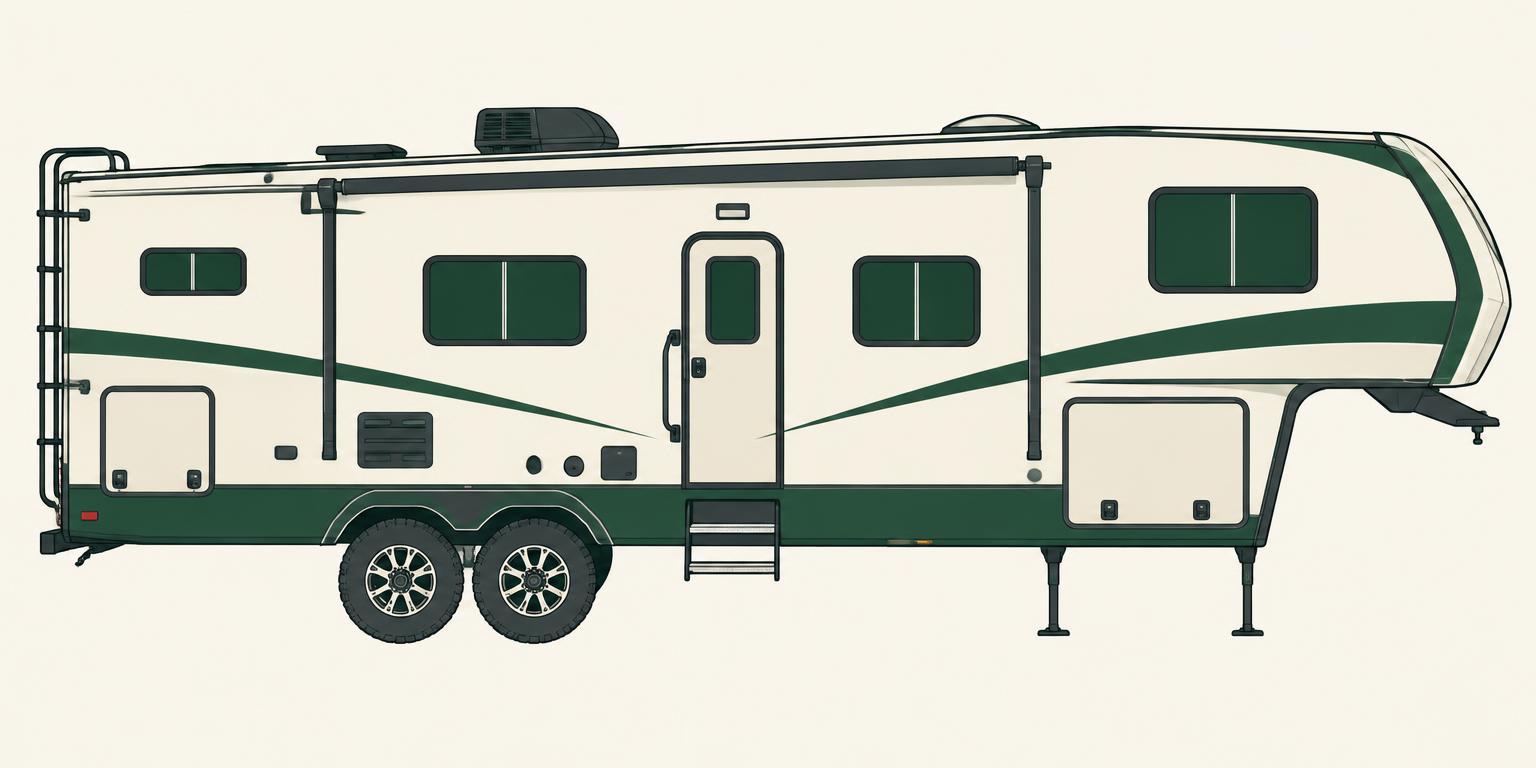
An RV rental return checklist starts with your booking, not a universal list of chores. Before the last morning, identify what must be done, who is responsible and when the RV must be ready. A road-trip renter returning a motorhome and a guest leaving a stationary delivered trailer need different plans.
Use this guide to resolve the remaining questions with your host or depot. Keep their actual answers in the booking channel. RV Kit Check organizes preparation; it does not submit rental-provider forms, verify the RV's condition or settle your rental account.
1. Confirm the return requirements before the last day
Open the agreement, listing and any agreed changes together. Check the exact return appointment rather than assuming campground checkout is the same as vehicle handoff. Ask what happens if the host cannot meet you. For depot rentals, verify the return location, opening hours and the appointment in your booking.
Turn each unresolved point into a specific question. The table is a planning worksheet: it does not create terms for your rental or mean that every service is included.
Swipe the table to see all columns.
| Topic | Confirm for this booking |
|---|---|
| Time and access | Exact handoff or collection time, location, campground checkout and delay contact. |
| Cleaning and inventory | Required condition, rubbish, food, supplied linens, included equipment and any exterior cleaning. |
| Water and waste | Who handles service, the required return condition and any agreed service charge. |
| Fuel and usage | Applicable fuel/propane levels, mileage or generator readings and requested receipts. |
| Condition record | Required app or forms, photos, issue reporting and who participates in the inspection. |
| Keys and follow-up | Approved handoff method, return acknowledgment and where to review the final account. |
2. Separate cleaning from packing and inventory
Check cupboards, sleeping areas, storage and charging points for your belongings. Remove your food and rubbish as agreed, then compare the supplied items with the host's inventory. Keep borrowed cookware, cables and other equipment with the rental. Ask where used linens should go instead of assuming that you should wash them.
Use the cleaning products and standard specified for this RV. Ask separately whether exterior cleaning is required and how it should be done. An included cleaning fee does not explain every responsibility or guarantee that extra charges cannot apply. If something is damaged or missing, report it rather than hiding it among the return tasks.
3. For a road trip, plan the service stops you actually need
Confirm whether your agreement requires waste-tank service, vehicle refueling or propane replenishment, or assigns those tasks to the provider. Identify suitable facilities and check access and opening hours before departure. Do not add an unnecessary stop just because another renter needed it.
If tank service is your responsibility, use an approved disposal point and the demonstrated procedure for this RV. Keep drinking-water equipment separate from wastewater equipment. An unclear tank reading is a question for the host, not permission to improvise a flush or add water repeatedly. Propane work should follow the provider's instructions and use a qualified service where required. This checklist is not an operating procedure.
4. For a delivered stay, agree who handles collection
A stationary delivered rental should remain parked unless a different arrangement has been explicitly agreed. Coordinate the time you must vacate with campground checkout, host access and the collection appointment. Do not assume the guest departure time leaves the host enough time to prepare the RV for travel.
Ask who handles each task below. A shared dump station nearby does not establish that you can tow the RV there or operate an unfamiliar waste system.
Swipe the table to see all columns.
| Task | Drive or tow trip | Stationary delivered stay |
|---|---|---|
| Movement | Confirm the agreed return route and location. | Confirm collection access; do not move the RV without an explicit arrangement. |
| Utilities and movable equipment | Follow the actual walkthrough and manuals for your assigned departure tasks. | Identify the responsible operator for disconnection, slides, leveling equipment and teardown. |
| Tanks and consumables | Arrange required service stops or confirm provider-managed service. | Confirm who provides tank service and any propane or generator-use accounting. |
| Belongings, condition and keys | Complete your agreed guest tasks and the required return process. | Complete your agreed guest tasks and the required collection process. |
5. Complete the provider's condition record and required forms
Review the accessible interior and exterior with the host where possible. Record requested readings, such as fuel, odometer and generator hours where applicable, and explain any new issue promptly. Compare with the departure record without editing or concealing what happened. Keep requested receipts with the booking. Take photos only from safe positions; do not climb onto the roof for this checklist.
Follow the current process for your provider. Outdoorsy's Guest guidance describes a digital return using its app's camera, a signature and submission. RVezy also describes an in-app return inspection with photos and applicable final readings. Personal photos and Rental Prep review marks do not replace those steps. Check that the required submission succeeded, or contact provider support if it did not.
6. If the host will not be there, settle key handoff in advance
Before leaving, get the approved unattended-return instructions through your booking channel: where to park, how to secure the RV, how to transfer keys and which condition records to submit. Confirm who will acknowledge the return and how to reach support if the arrangement fails. Do not invent a hiding place for the keys.
Keep the agreed messages and record when you followed the handoff process. Avoid publishing key codes, access instructions or other guests' details in photos. A message or a photo helps document events; it is not a guarantee that the inspection is complete, the deposit will be released or a disputed charge will be resolved in your favor.
7. Work backward from your appointment: an example
Illustrative planning example, not a real booking or a standard return duration: a couple has an 11:00 a.m. depot appointment. They estimate 45 minutes of driving, 30 minutes for one required fuel stop and a 30-minute contingency. Those assumptions put campsite departure at 9:15 a.m., after their cleaning and departure tasks are complete. If they also need tank service, they must add a verified facility and extra time; it is not covered by the fuel-stop allowance.
The useful calculation is appointment time minus travel, required stops and a realistic buffer. Replace every assumption with your own route and requirements. For a delivered stay, work backward from the agreed collection access and campground checkout instead. If a delay becomes likely, contact the host or depot promptly; a message alone does not change your booked return time.
8. Review the final account without assuming a universal fee or deadline
Keep the agreement, return record and relevant receipts until the rental is closed. If a charge is unclear, ask for its basis in the booking and the supporting record through the provider's current process. Check that process promptly rather than relying on a deadline quoted for another company or an older article.
Cleaning, tank service, fuel, mileage, generator use, late return and damage can be treated differently across bookings. This guide gives no universal fee, deposit-release date or coverage promise. Use the terms and support process that apply to your reservation.
Turn the answers into your Rental Prep plan
Choose your trip mode in Rental Prep and open Confirm return requirements. Review the eight preparation points for that mode, then copy, download or print your plan for offline use. A Reviewed mark means you have reviewed a question; it does not certify that the task was performed or the RV was accepted.
Keep host replies and provider forms separately. Your planner saves choices and review marks in this browser when storage is available, so recheck them for each booking instead of carrying last trip's assumptions into the next rental.
Sources & further reading
These official resources cover the topics described below. They are not evidence of first-hand testing or confirmation of historical prices. Follow your RV and equipment manuals for your exact setup. Source links are ordinary reference links, with no affiliate tracking.
- RVshare: How to return an RV rental: a step-by-step guide (opens in a new tab)
Booking-specific return preparation, cleaning, fuel and condition records. Its fee estimates, tank-flushing instructions and deposit timelines are not adopted here.
- RVshare: Cleaning your RV rental (opens in a new tab)
Confirm the cleaning standard and included services for the actual rental. An included fee does not establish every return responsibility.
- RVshare: RV rental delivery and setup (opens in a new tab)
Delivery-location permission, arrival and collection timing, setup and walkthrough. Provider guidance does not replace the services agreed for your own booking.
- Outdoorsy Help Center: Post-trip guest checklist: what to do when returning the RV (opens in a new tab)
Current Guest app return process, including in-app camera, signature and submission. Not a guarantee of insurance coverage or a substitute for the booking's requirements.
- RVezy Help Center: How to complete the departure and return inspection (opens in a new tab)
In-app return inspection, photos and applicable final readings. Follow the provider's current instructions for the actual reservation.
- Indie Campers Help Center: What are the possible time windows for picking up and dropping off my RV? (opens in a new tab)
An example of depot-specific appointment windows and out-of-hours restrictions. No general return time or fee is assigned to other providers.
- CDC: Safe RV Water from Tank to Tap (PDF) (opens in a new tab)
Drinking-water sources, system cleaning and filter limitations.