

RV Rental Delivery Checklist: Before Arrival, Handover and Pickup
A delivered RV checklist for confirming campsite access, setup, supplies, tank service and pickup. Includes a responsibility table and an arrival walkthrough.
By RV Kit Check8 min read
References & reading tools updated
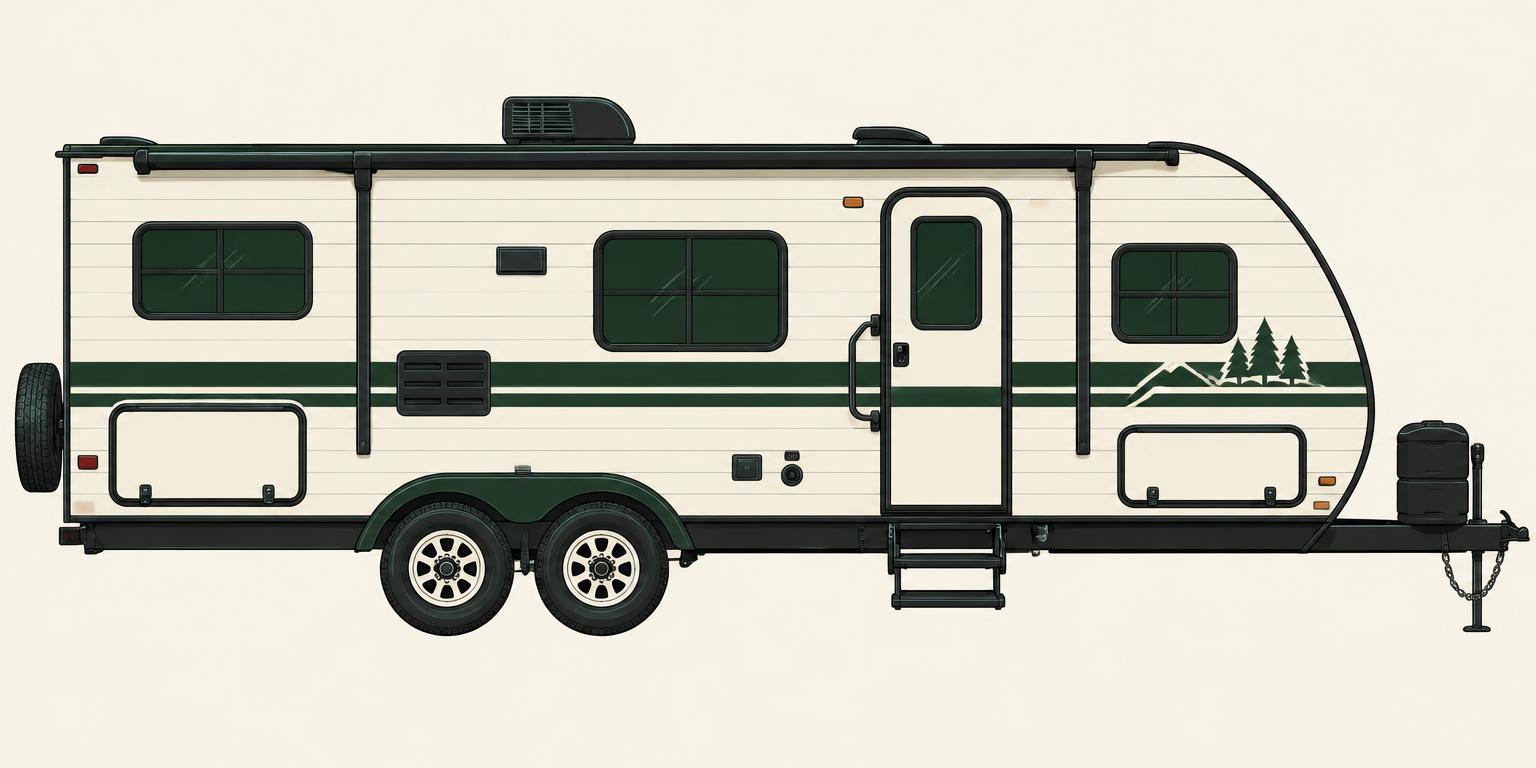
For an RV rental delivered to your campsite, confirm the site, the setup tasks and the collection plan before packing. Delivery gets the RV to a location; your booking should also make clear who connects utilities, explains the equipment and handles tanks during the stay.
This RV rental delivery checklist is for a stationary stay: the host delivers the RV and you stay in it without driving or towing it elsewhere. If you intend to move it after delivery, tell the host before booking and arrange the appropriate trip and handover. Use the checklist as a preparation record alongside your booking, not as an operating manual.
1. Confirm that your reserved campsite can accept the delivery
Ask the campground whether outside RV delivery is permitted for your reservation. Give the host the campground address, site number when assigned, check-in instructions and any gate or delivery-access requirements. Match the delivery window with campground check-in, and agree what happens if the site is unavailable when the host arrives.
Have the host and campground confirm that the actual RV fits the reserved site, including the space it needs when set up. A campground reservation does not by itself confirm a delivery appointment. Keep both confirmations together, with a contact for an arrival delay.
2. Write down who handles each delivery and collection task
Ask the host to confirm the tasks below and identify anything charged separately. Record the answer against your booking rather than relying on the word delivery. These are questions to resolve; the table does not assign duties to every rental provider.
Swipe the table to see all columns.
| Task | Confirm with the host | Record before the trip |
|---|---|---|
| Arrival and site access | When will we meet, and who coordinates entry with the campground? | Delivery window, meeting point and delay contact. |
| Positioning and setup | Who positions and levels the RV and prepares it for our stay? | Included setup tasks and any exclusions. |
| Utility connections | Who connects power, drinking water and sewer where available? | Confirmed site utilities and supplied equipment. |
| Water and waste during the stay | Who checks supplies and arranges tank service if needed? | Responsible person, contact process and agreed charges. |
| Walkthrough and support | Who shows us the controls, and whom do we call with a problem? | Handover appointment, instructions and support contact. |
| Departure and collection | Who disconnects, prepares the RV for travel and collects it? | Guest departure time, host collection window and key handoff. |
3. Verify hookups at the pitch and agree on a tank plan
Ask the campground which utility connections are at your reserved pitch, then send that information to the host. Record the electrical service, drinking-water connection and whether sewer is beside the RV. Ask separately about shared fill points or a dump station. Do not infer the facilities at your pitch from a campground-wide amenity list.
If there is no sewer connection at the site, ask how waste will be managed while the RV stays parked. Who provides any needed service, how is it requested and what does it cost? Let the host explain the plan for this RV. Buying a sewer hose does not resolve a missing site connection or a service arrangement.
Match appliances to the RV's actual power sources
A charged house battery does not mean every appliance or wall outlet will work. Ask the host to demonstrate the equipment you need on the source you will actually use. Shore power and a suitable generator can supply 120V AC; some RVs also have an inverter that supplies selected AC circuits from batteries, within its rating and the available battery energy. An inverter is not an unlimited supply.
Confirm generator permission and operating hours with the campground. Refrigerator power sources vary by model. For a propane furnace, the burner supplies heat but its controls and blower still need electricity. Agree on battery monitoring and recharging rather than assuming a fixed number of off-grid nights.
Swipe the table to see all columns.
| Equipment | Typical arrangement or variation | Ask the host |
|---|---|---|
| Lights, water pump and furnace blower | Commonly use the house 12V system; equipment varies. | Which controls apply, and how will the battery be monitored and recharged? |
| Wall outlets, microwave and air conditioning | Usually AC loads. Shore power, generator and any inverter have different limits. | Which outlets and appliances work on each source? Do not assume a fitted inverter can run air conditioning. |
| Refrigerator | May use 12V, 120V or propane, depending on the appliance. | Which mode applies to this setup, and how long should cooling take before loading food? |
Separate a water connection from a water-and-waste plan
A shared potable fill point is not a water connection beside the delivered RV. Ask the campground about the actual pitch and seasonal availability, then have the host arrange the agreed safe water supply and any refill. Filling may need to happen before positioning the RV. A waste-tank flush port is not a fresh-water fill; let the host identify the connections and keep drinking-water equipment separate.
With water but no sewer at the pitch, the supply can keep flowing while sinks and showers still fill finite holding tanks. Ask about capacity, monitoring, water conservation and bathhouse access. Confirm who arranges any mid-stay pump-out, availability and charges before it is needed. Do not assume that a shared dump station lets you move a stationary rental.
Even with sewer connected, do not leave a black holding-tank drain open continuously. Have the host explain the closed position between emptying, the gray-tank plan and who may operate the equipment. Use the actual RV instructions instead of a universal fill percentage or draining schedule.
4. Confirm the inventory, then pack the missing items
Check bedding for the beds you will use, towel quantities, cooking and eating supplies, bathroom and cleaning supplies, and any outdoor items you expect. Ask whether a listed item is included in your package or available as an extra. Photos are not a complete inventory.
Bring your personal clothing, toiletries, medication, chargers and food, plus the household items you have confirmed are missing. For a stationary stay with host-managed setup, do not automatically buy connection equipment, solar or a replacement battery. Resolve an unanswered inventory question before treating it as a shopping requirement.
5. Complete an arrival walkthrough before settling in
Leave time to review the RV with the host. Compare the supplied items with your confirmations, note existing condition together and keep your own photos. Use the booking provider's required handover process as well; this checklist does not replace its forms.
Ask the host to demonstrate the systems you will use, where the instructions are kept and what to do if something stops working. Have them identify exits and safety equipment. Do not guess how unfamiliar controls, connections or valves work.
Swipe the table to see all columns.
| Check together | Ask for a demonstration or answer |
|---|---|
| Condition and inventory | What existing damage or missing item should we record now? |
| Power and appliances | Which controls may we use, and what limits apply to this setup? |
| Water and bathroom | How do we check tank levels, and when should we contact you? |
| Doors, steps and movable parts | What is already set up, and what should remain untouched? |
| Safety and support | Where are the exits, alarms, extinguisher, instructions and current contact details? |
6. Keep the support and collection plan available offline
Save the host's contact, your booking provider's support instructions and the campground contact before arrival. Ask which person handles a setup problem, an appliance question or a tank-service request, and how to proceed if that person cannot be reached. Follow the instructions for your booking rather than borrowing a contact number from another rental.
Before the stay ends, recheck the agreed departure time, cleaning and rubbish requirements, treatment of supplied linens, keys and condition recording. Confirm who disconnects utilities and handles tanks for collection. An included cleaning service does not answer every departure question; keep the agreed responsibilities explicit.
Worked example: delivered RV, water and electric, no sewer
Illustrative planning example, not a real booking: two adults are preparing for a stationary weekend stay. The campground has confirmed water and electricity at their pitch, but only a shared dump station. Their host has confirmed bedding and kitchen supplies; towels and the tank-service arrangement are still unanswered.
Their next action is a focused host message: Our pitch has water and electric but no sewer connection. Please confirm the tank plan during our stay and at collection, who handles any service, and whether towels are supplied. They do not mark those points confirmed while waiting.
In Rental Prep, they choose Delivered and set up, mark bedding and kitchen basics Host confirmed, and leave towels as Ask host. They keep the tank question open in their booking conversation. Once the host answers, they save that message and update their preparation list. The shared dump station remains a site fact, not proof that the guests can move or service the RV themselves.
Turn your confirmations into a delivered-stay checklist
Open Rental Prep and choose Delivered and set up. Review each inventory category: Host confirmed, I'll prepare it, Ask host or Not needed. The tool groups your supplied items, packing gaps, handover tasks and return questions without turning the stay into an owner-equipment shopping list.
Copy the unresolved questions for your own message to the host, then save, download or print your plan. Keep actual host replies separately: the tool records your choices and review marks, not their confirmation. Review saved selections for each booking so last trip's assumptions do not become this trip's packing list.
Sources & further reading
These official resources cover the topics described below. They are not evidence of first-hand testing or confirmation of historical prices. Follow your RV and equipment manuals for your exact setup. Source links are ordinary reference links, with no affiliate tracking.
- RVshare: RV rental delivery and setup (opens in a new tab)
Delivery-location permission, arrival and collection timing, setup and walkthrough. Provider guidance does not replace the services agreed for your own booking.
- Outdoorsy Help Center: How guests request delivery and setup (opens in a new tab)
Delivery/setup options and the difference between a stationary stay and driving after delivery. Confirm services and terms for the actual booking.
- RVshare: New RV renter FAQs (opens in a new tab)
Included amenities, the host walkthrough, systems and owner-specific return tasks. Not a universal statement of fees, driving eligibility or insurance terms.
- RVshare: Essential packing tips for your first RV rental (opens in a new tab)
Check the listing and host-confirmed supplies before packing; inventory varies.
- KOA: Choosing an RV site type (opens in a new tab)
Full versus partial utility connections and site compatibility. Confirm the facilities at the reserved pitch.
- Jayco: How RV systems work: water and power (opens in a new tab)
Fresh, gray and black tanks, water sources and approved wastewater disposal. The setup on your own RV may differ.
- El Monte RV: Fleet-specific water, electrical, refrigerator and awning FAQs (opens in a new tab)
Rental-fleet examples of tank versus city-water connections, power sources, furnace electrical demand and appliance/awning operation. This fleet's settings are not instructions for every RV.
- CDC: Safe RV Water from Tank to Tap (PDF) (opens in a new tab)
Drinking-water sources, system cleaning and filter limitations.